




Top Upper LCD Screen Display Replacement for Nintendo DS Lite With Speakers by YTXXDEUS

 4.7 (123 items)
 Limited Time Sale
$22.96 cheaper than the new price!!
Free cash-on-delivery fees for purchases over $99
Product details
| Management number | 241570741 | Release Date | 2026/07/18 | List Price | $15.30 | Model Number | 241570741 | ||
|---|---|---|---|---|---|---|---|---|---|
| Category | |||||||||
Common Screen Issues: Touchscreen registers touch erratically (or not at all), and/or has dead zones: Youll need to align the digitizer with you bottom screen.Carefully drop the digitizer (sticky side up) into the housing. then your bottom screen on top. Console powers on, top screen flashes, then shuts off: Ive applied the touch digitizer to the LCD and put some tape on the bottom of the screen to insulate it from your consoles motherboard. This is an easy drop-in repair! bottom screen flashes,Speakers are blown or produce distorted audio: If theres no audio at all, you may have a bigger issue,but usually this is caused by debris being stuck in the head phone jack, or the ribbon cable to the top screen being ripped, which is easily fixed by replacing the screen. How to Install Youll need to transfer the colored bezel over from your old screen. Do this by pinching the adhesive on the bottom right corner of the screen and carefully pulling up; the bezel should come up with the adhesive in a single piece. Use the top shell piece as a guide for reassembly. NOTE!!!All screens are tested to be functional before shipping. Defective returns are only considered for screens that have not been installed. Please test the screen before installing. Non-working screens returned after install will not receive a refund due to the risk of damage while installing. To test the screen before installing, plugin the top screen, bottom screen, and wifi card. Then, hold the battery to the terminals with the logo facing outward. The console will be able to power on. Be mindful to have the battery oriented correctly or it will destroy the fuse on the motherboard.__________________________________________Shopping at the name - YTXXDEUS, be sure of the qua-lity and service.
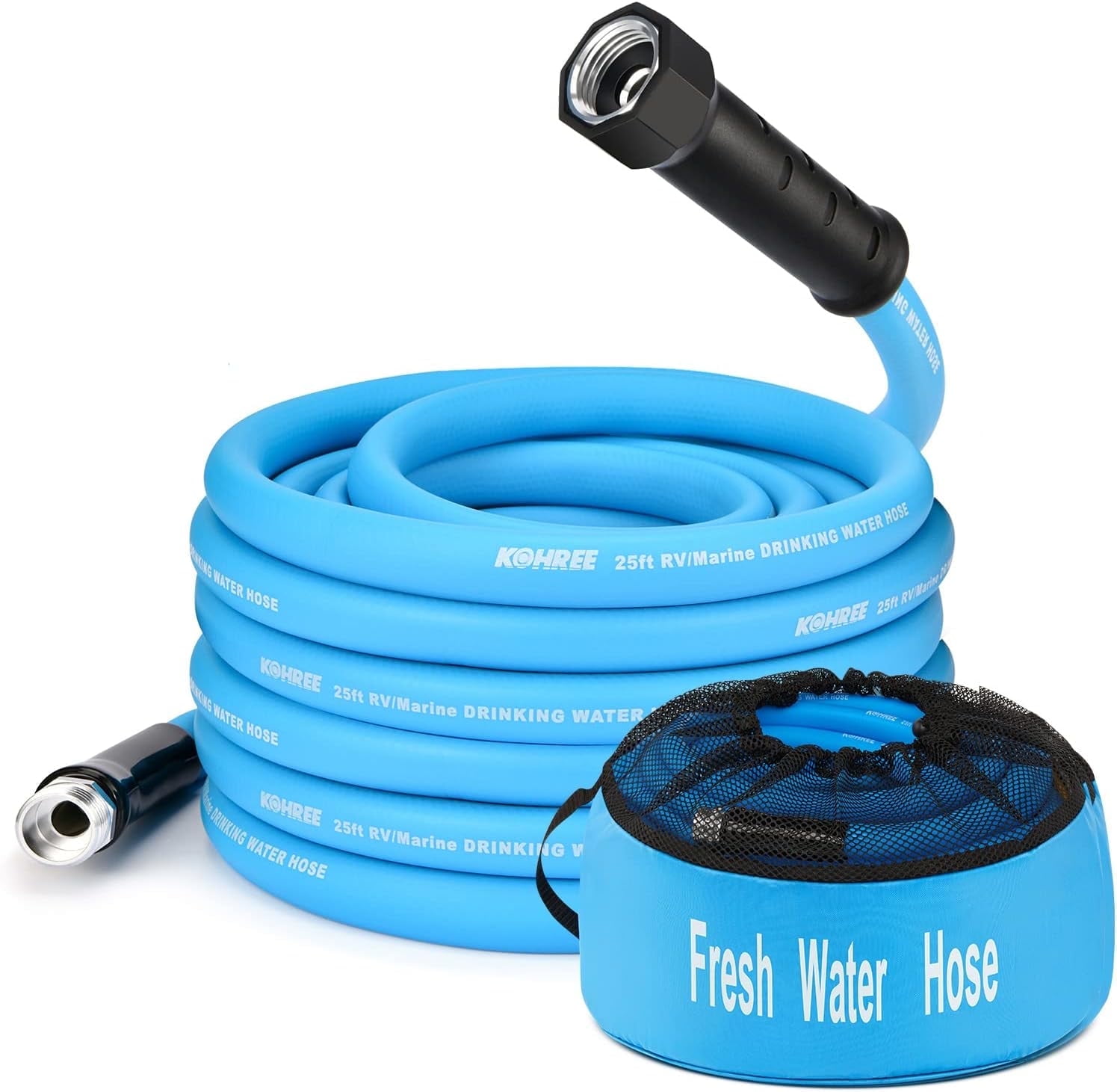
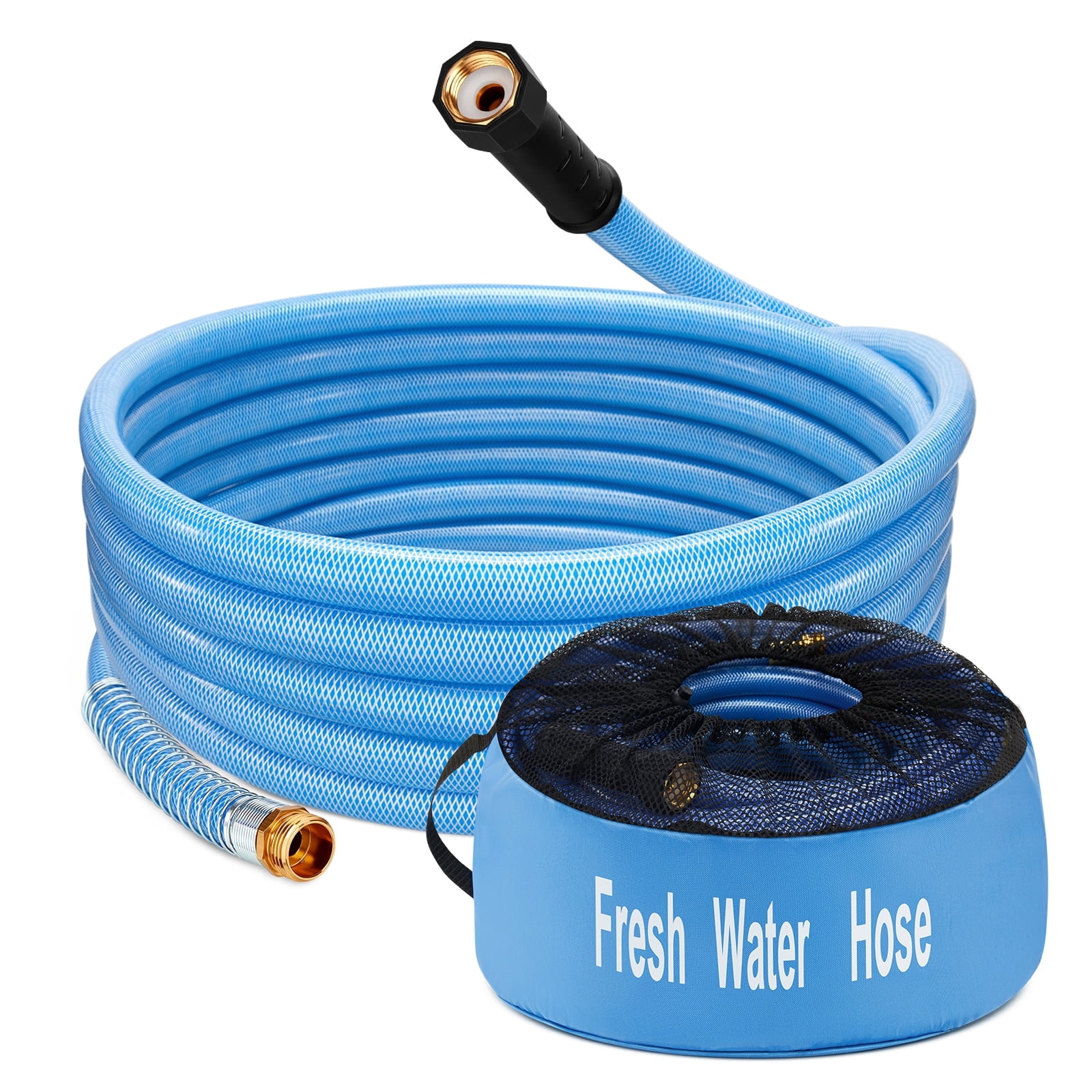
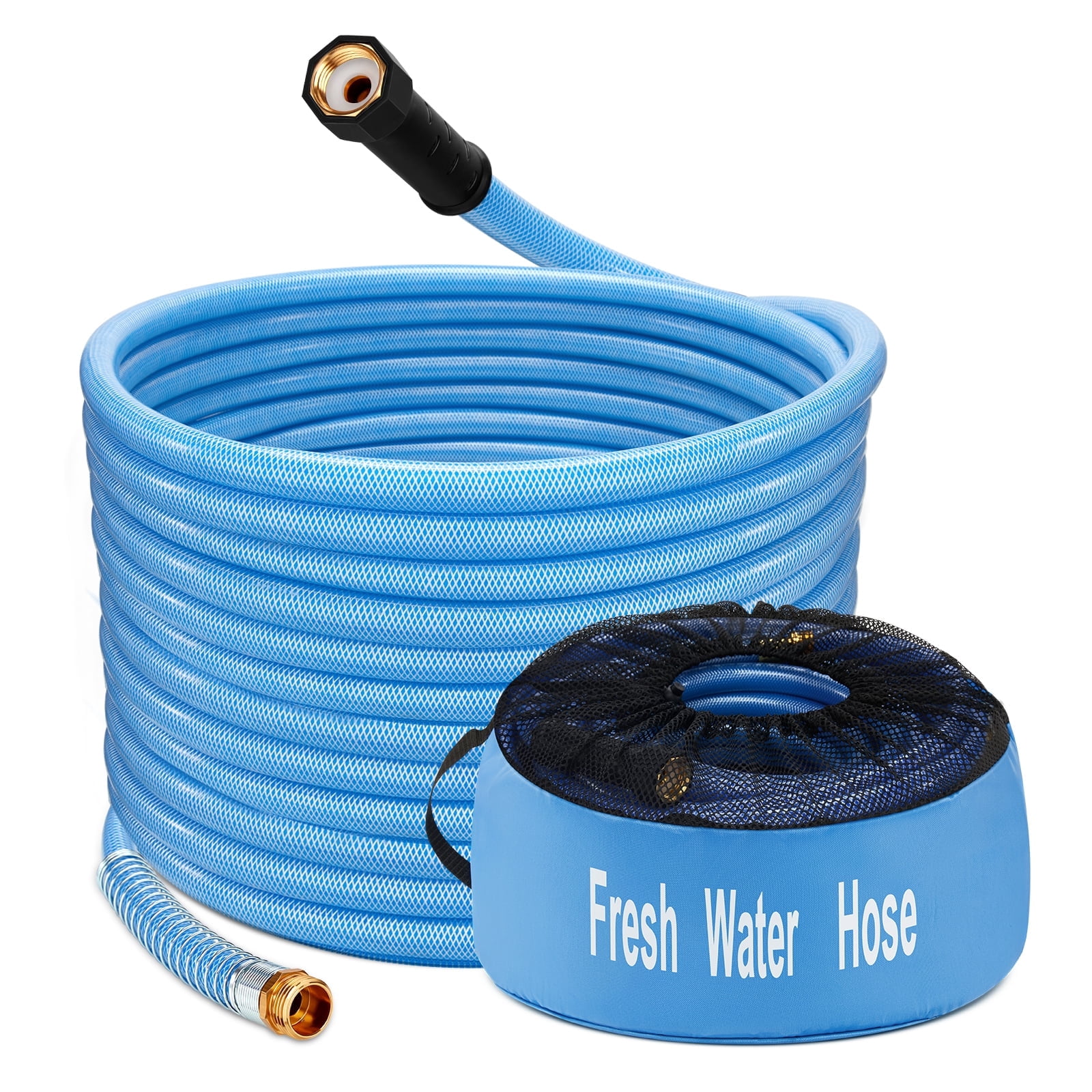
All RV Water Hoses
Monitors


Correction of product information
If you notice any omissions or errors in the product information on this page, please use the correction request form below.
Correction Request Form